Creating Memorable Graphic Designs
with Innovative Techniques
The course projects demonstrate innovative graphic design through critical thinking processes and tools, resulting in a well-balanced and focused outcome.
Typography Portrait
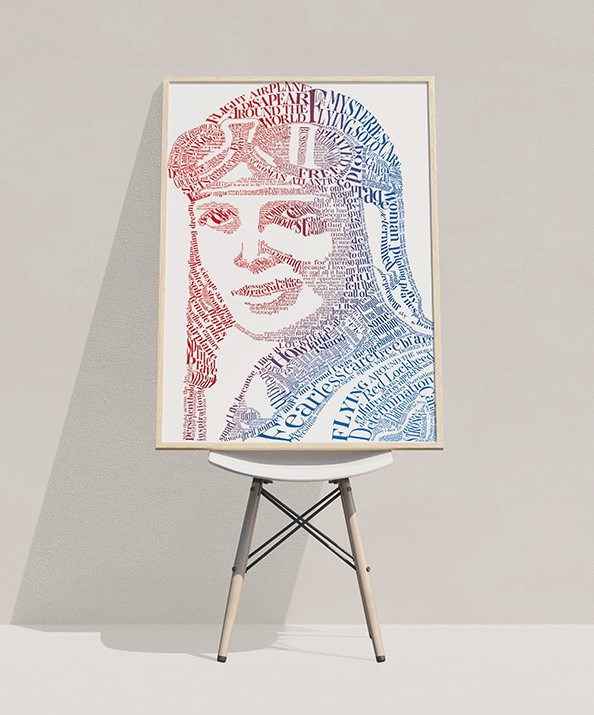
Typography represents Amelia Earhart’s personality and life creatively.
Problem
Use typography to select a font that embodies Amelia Earhart’s personality, while adhering to design elements and principles for best practices. It must create a tone, narrate a story, and represent Amelia Earhart.
Process
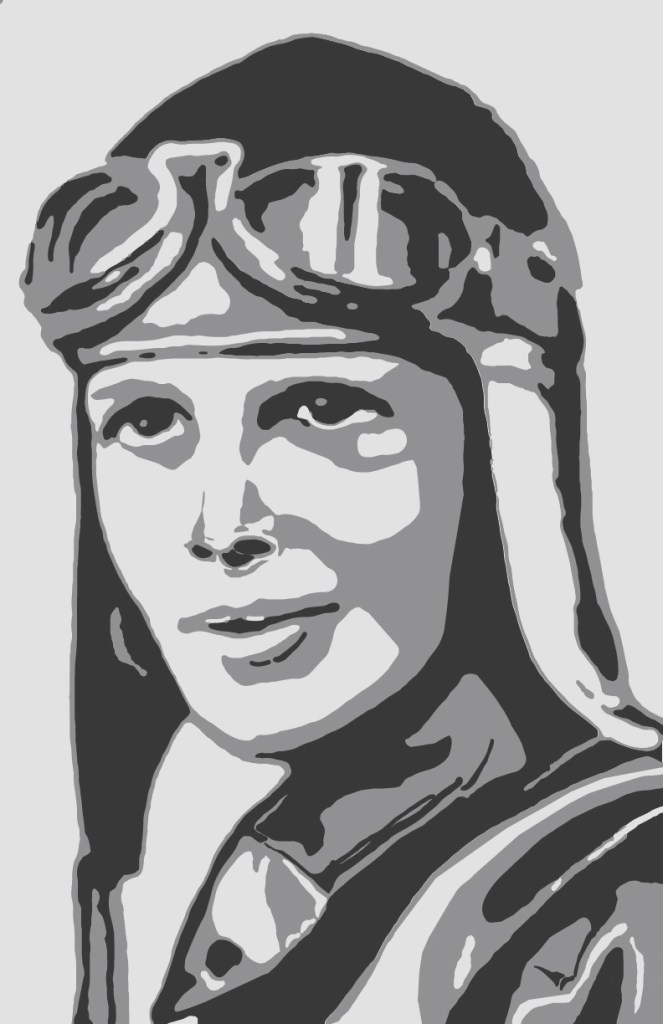
Research and planning on the life of Amelia Earhart and typefaces help iterate the design and word choices. The theme conveys her personality and creates a tone.
Concept: independent + femininity + aspiration = value
Sans-serif typefaces effectively represent Amelia Earhart’s independence and individuality. The stroke weights of the typeface reflect her femininity, incorporating curves such as ball-shaped terminals, delicate lines, swirls, or swashes, while still maintaining her strong personality. The choice of words illustrates her life and aspirations, emphasizing her contributions to society and the empowerment of women around her.



Solution
The design uses the typeface AW Conqueror Didot to represent Amelia Earhart’s personality. The typeface’s delicate and sturdy lines, along with its unique characters, convey Amelia Earhart’s strength and independence in a male-dominated field and era.
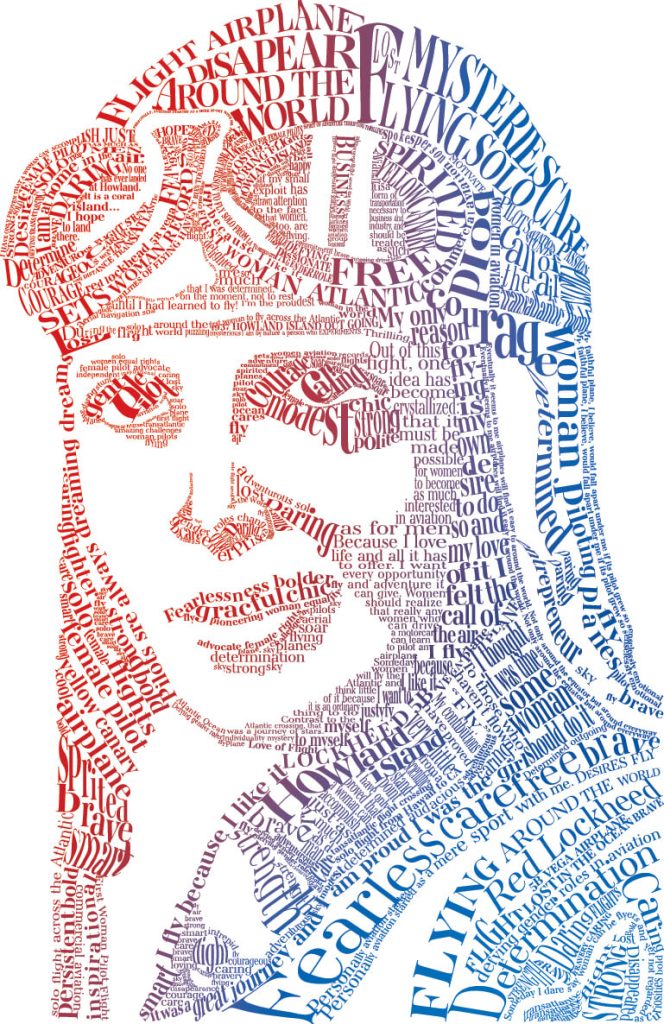
Photo Enhancement

Using Photoshop tools and techniques to manipulate photographs and enhance their appeal.
Problem
The design encourages the use of photo editing techniques to create a seamless blend of two images, making them appear as one cohesive, original piece. It must be flawless and look natural.
Process
Research and planning help seamlessly merge the two photos using Adobe Photoshop, camera filters, and other enhancing tools. Extensive iteration stages help determine the directions of natural light in photo manipulation.
Concept: perception + direction + techniques = natural
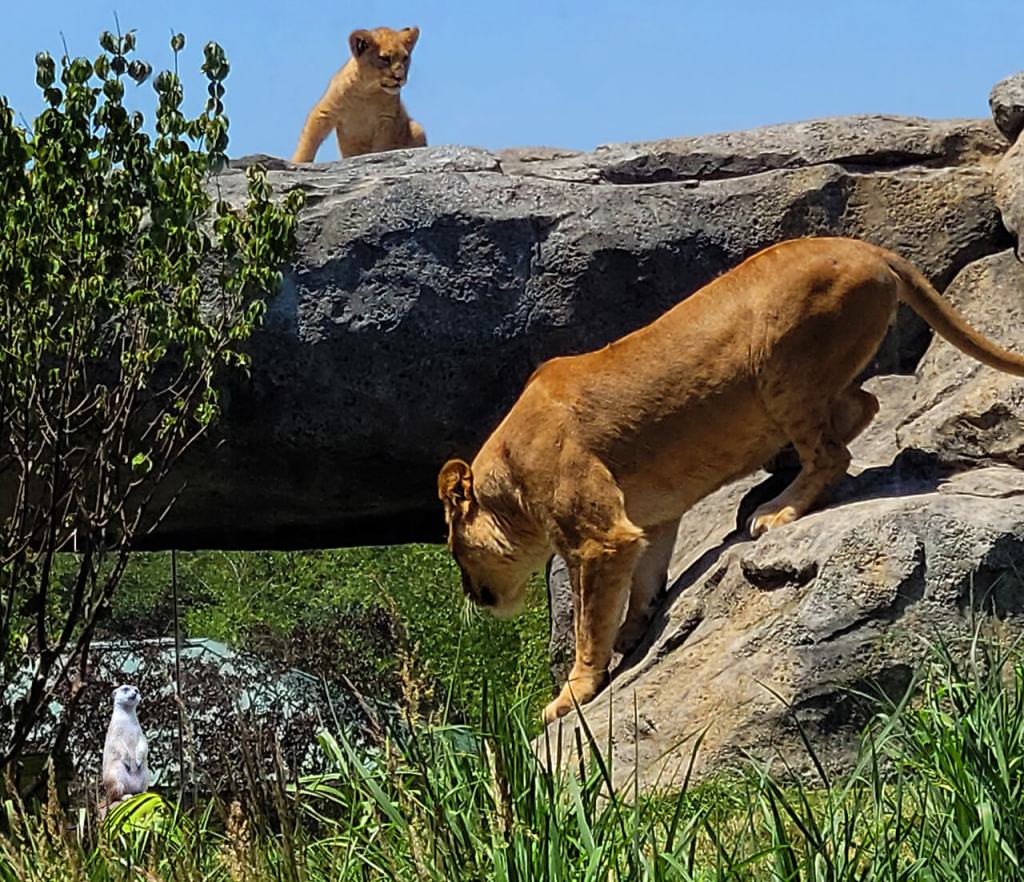
The concept focuses on how the audience perceives the depth of foreground and background elements. The movements and positions of the animals play a crucial role in determining the placement and orientation of each component. Techniques such as lighting, focusing, and shading effectively manipulate these elements to create a natural appearance.

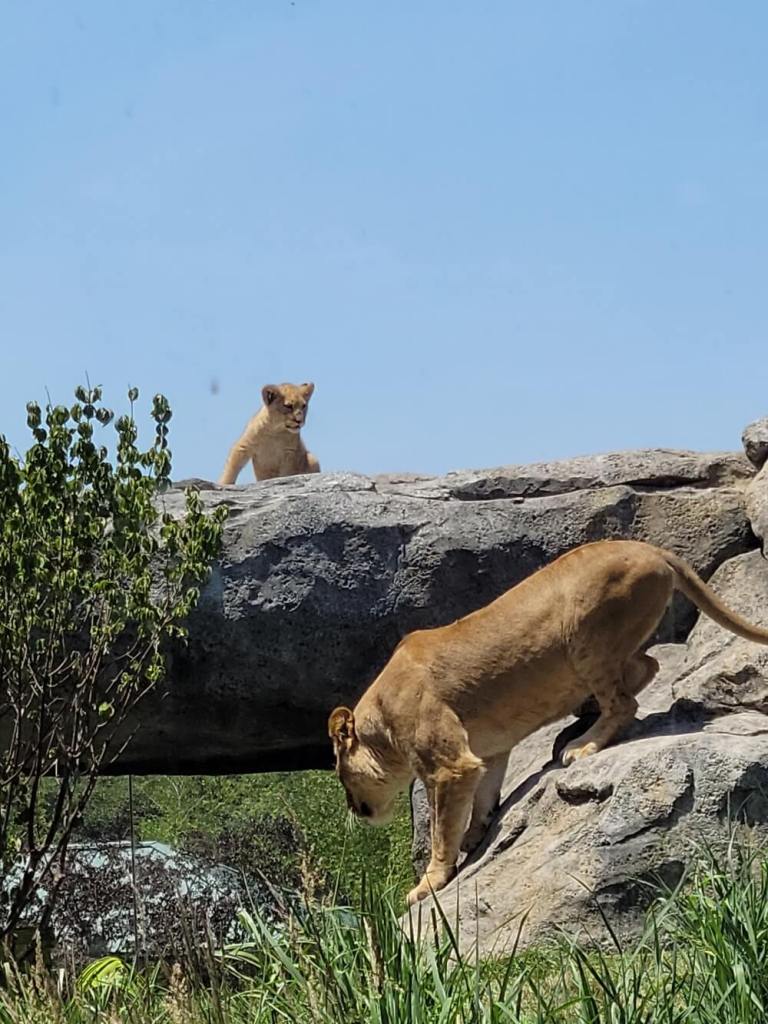
Solution
Different methods and tools help combine two images into a single photo, making it appear as if it were taken that way initially.